AI vision, never traditional OCR
Turn your sticky notes into ideas that move forward
Snap the board when the session ends. SnapText AI extracts every note —text, color and position—, lets you review and approve it, and gives you insights that always point back to the sticky note they came from.
- You approve before any analysis
- Traceable insights
- PDF, Word and XLS
Shorter onboarding
IdeasClients ask for Excel export
ClientsWeekly follow-up meeting
ProcessesMeasure NPS every quarter
DataTemplates per workshop type
IdeasWho validates the data?
ProcessesFeedback takes too long
ExperienceFor facilitators
The session ends. The wall is still full.
You run workshops, retrospectives or ideation sessions. Afterwards, someone has to type up dozens of sticky notes, group them and draw conclusions. That is the part SnapText AI does with you, without losing track of who wrote what.
- Ideation workshops
- Retrospectives
- Sprint planning
- Strategy sessions
- Customer feedback
-
Who is typing all this up?
-
Workshop photos forgotten in the gallery
-
Which note did this idea come from?
How it works
From board to report, in four steps
An AI vision model reads your board the way a person would, note by note. You stay in control at every step.
-
Step 1
Snap the board
Photograph your board
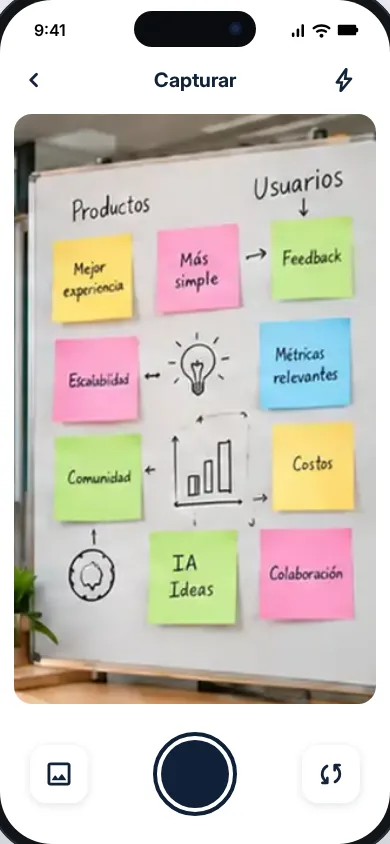
Take a photo of the board as it is, or upload an image from your gallery.
-
Step 2
AI reads each note
AI extracts every note
AI vision on Amazon Bedrock identifies the text, color and position of each note.
-
Step 3
I review & approve
You review and approve
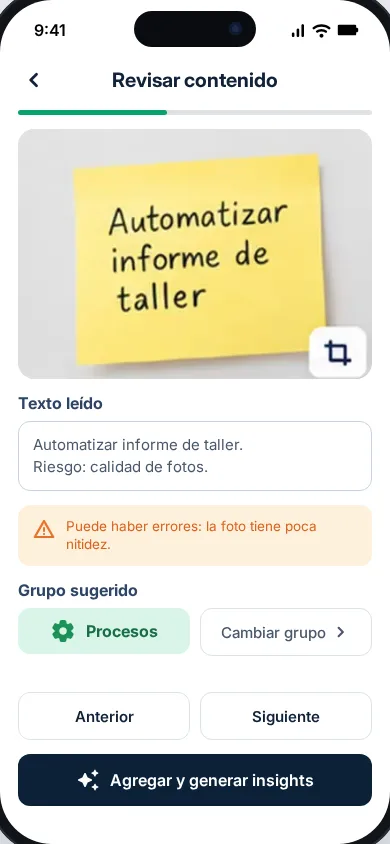
Fix whatever needs fixing. Nothing is analyzed until you approve the extracted content.
-
Step 4
Insights!
Get your insights
Pick which notes to analyze and get a traceable report, ready to export.
Approval gate
Nothing is analyzed without your OK
AI reads; you correct and approve. If you edit anything after approving, the project asks for your approval again. Then you choose which notes go into each analysis.
Review content
Weekly folow-up meting
ProcessesText read
Weekly folow-up meting
There may be errors: the photo is not very sharp.
Approved
Traceable insights
Every conclusion points to its notes
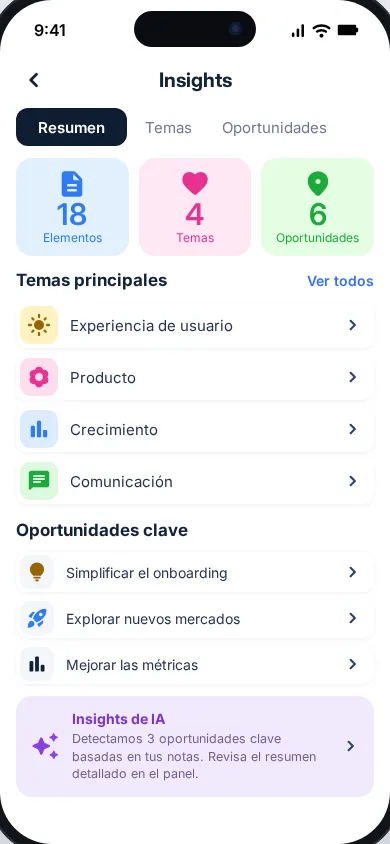
Four insight families: recurring topics, clusters, suggested actions, and risks and gaps. Pick one and see which notes it comes from.
Clients ask for Excel export
Shorter onboarding
Who validates the data?
PDF report for leadership
Feedback takes too long
Templates per workshop type
Duplicate data on export
No response-time metric
Features
Everything so no idea gets lost
Every feature is designed so the physical sticky note stays the source of truth for the final report.
-
Capture by photo or gallery
Shoot your board with the camera or upload an image you already have.
-
AI vision extraction
Text, color and position of each note, by a vision model. Never traditional OCR.
-
Approval gate
You review and approve the text before any analysis is generated.
-
Traceable insights
Four insight families, each linked to the sticky notes behind it.
-
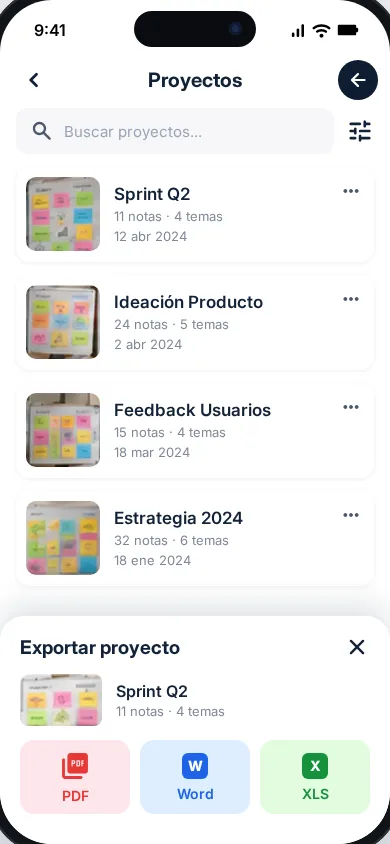
Export to PDF, Word and XLS
Take your report out of the app in the format you need.
-
Saved projects
Every board is a project you can come back to and analyze again.
-
Spanish and English
This site is already in Spanish and English; the app will be too.
See it
The app, screen by screen
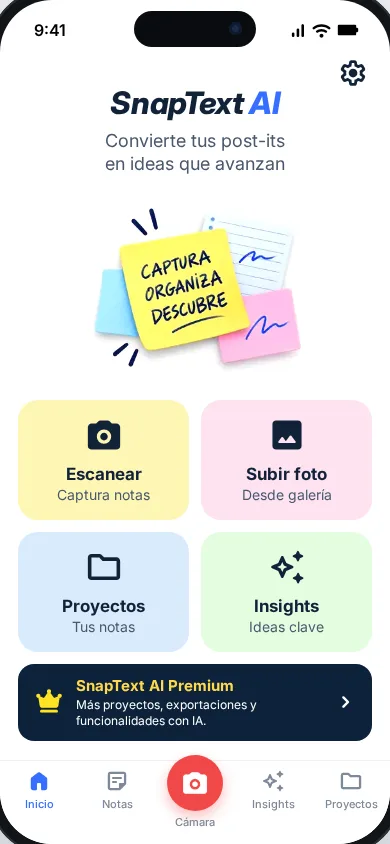
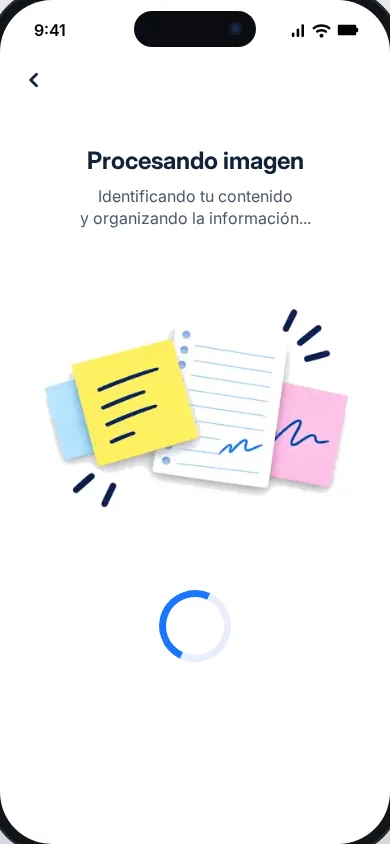
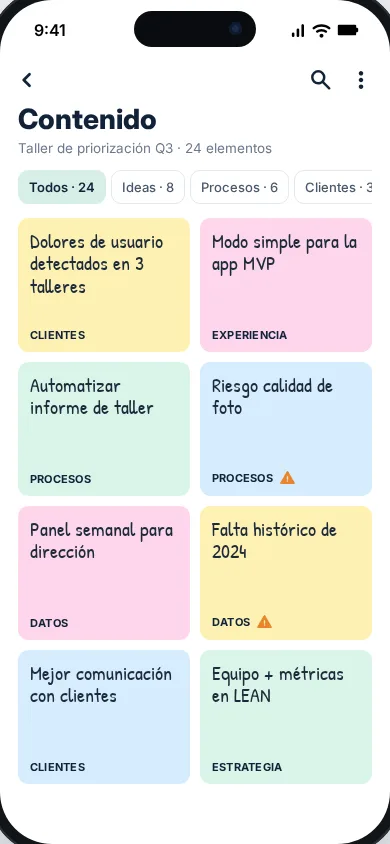
SnapText AI reference design, with sample data.
Availability
Android comes first. iOS and web are on the way.
SnapText AI is built as a multi-platform product. Current development covers Android; iOS and web are part of the product vision, with no launch date yet.
Coming soon on Google Play
- Android Coming soon
- iOS On the way
- Web On the way